
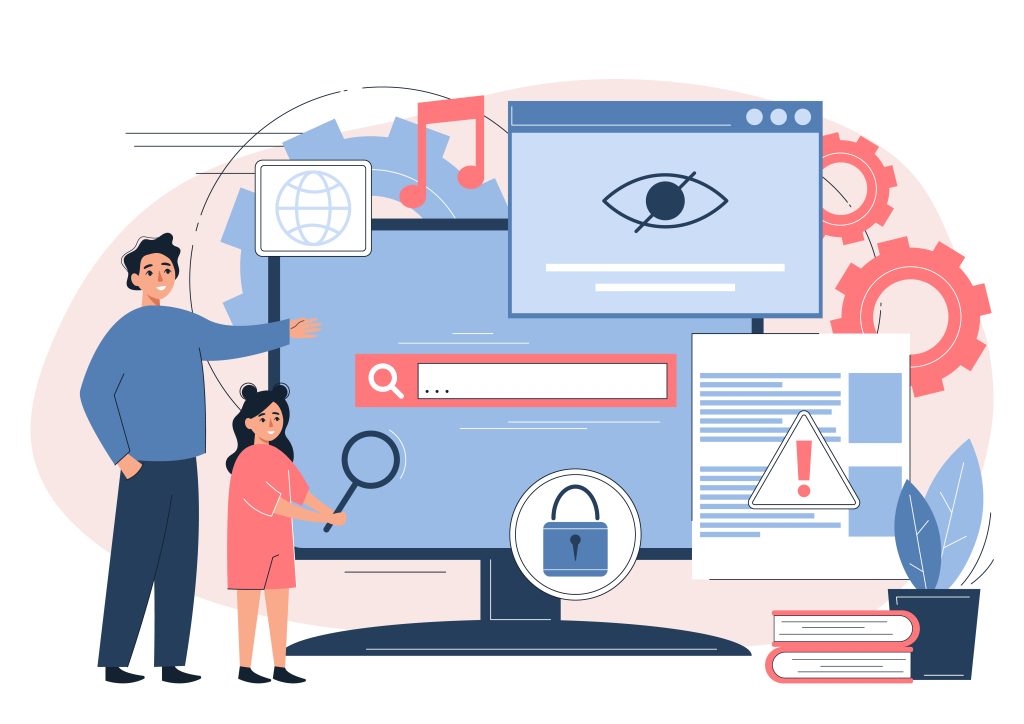
Creating a website today is no longer just about aesthetics or functionality. A website is a gateway to your brand, your services, and your story—but it only fulfills its purpose if everyone can access it. Accessibility in web development ensures that users with disabilities, temporary impairments, or diverse browsing preferences can navigate, interact, and engage with your digital presence. It bridges the gap between design and inclusivity, turning a simple website into a platform that reaches every user. Beyond ethics, accessibility improves user satisfaction, encourages loyalty, and even influences search engine performance.
Designing with Everyone in Mind
Accessible design starts with a commitment to simplicity and clarity. Navigation must be intuitive; layouts should be consistent; typography needs to be legible across devices. While color palettes define a brand’s personality, contrast ratios have a functional purpose: they make text readable for users with visual impairments. Interactive elements like buttons, dropdowns, and forms should respond consistently across multiple input methods. Every design decision—from spacing to iconography—affects how inclusive your site is.
Even seemingly small oversights can create barriers. For instance, using a low-contrast color for a call-to-action may frustrate users who rely on visual cues, subtly impacting engagement and conversion rates. Neglecting these details can erode user trust without being immediately obvious. When accessibility is treated as a foundational principle rather than an afterthought, the benefits extend far beyond compliance—it enhances the experience for all visitors.
Semantic Structure and Screen Readers
The foundation of accessible web content lies in semantics. Proper use of HTML elements—headings, paragraphs, lists, and tables—creates a logical content hierarchy that assistive technologies can interpret. Screen readers rely on semantic markup to convey meaning, guiding users through pages efficiently. Every image should include descriptive alt text that explains its purpose, and videos should feature captions or transcripts for users who are deaf or hard of hearing.
This structure does more than support accessibility; it reinforces usability for everyone. Users can scan headings, understand sections quickly, and find information without unnecessary clicks. Web development mistakes that hurt rankings and user trust often stem from ignoring these foundational structures. A website with poor semantic hierarchy may not only confuse users but also underperform in search results, as search engines rely on clear content structure to determine relevance.
Keyboard Navigation and Focus Management
Keyboard navigation is another crucial accessibility component. Many users, including those with motor disabilities, rely entirely on keyboards or alternative input devices. Interactive elements must be focusable and follow a logical tab order to prevent disorientation. Visual cues, such as focus indicators on links and buttons, help users know where they are on a page. Modal dialogs, dropdowns, and forms should be operable without a mouse.
Focus management also contributes to perceived reliability. A hidden or inconsistent focus indicator can make a site feel unpredictable. Conversely, well-managed focus guides users smoothly, building confidence in the interface. Accessible keyboard navigation benefits all users, including power users who prefer keyboard shortcuts for efficiency, proving that inclusivity and productivity often go hand in hand.
Responsive and Adaptive Layouts
Accessibility and responsive design are closely intertwined. Users interact with websites on a range of devices: desktops, laptops, tablets, and smartphones. Key considerations include:
● Flexible layouts: Content should adjust fluidly across screen sizes to maintain readability.
● Scalable typography: Text must remain legible without horizontal scrolling or zooming.
● Touch targets: Buttons and interactive elements need enough spacing to prevent accidental taps.
● User comfort: Elderly users or people with low vision benefit from clear, uncluttered layouts.
● Media adaptability: Images, videos, and other media should scale and maintain clarity. Sites that fail to adapt can inadvertently exclude significant segments, limiting reach and engagement. Designing responsively is not just a technical necessity—it’s a commitment to user comfort and inclusion across devices.
Performance and Load Times
Accessibility extends into performance. Slow-loading pages disproportionately affect users with slower internet connections, older devices, or cognitive challenges. Optimized images, efficient scripts, and minimal render-blocking resources reduce wait times, keeping users engaged. Performance is part of accessibility because it ensures that content is reachable and functional for everyone, not just those on high-speed connections.
Fast load times also enhance search engine optimization. Search engines prioritize user experience, and speed is a measurable factor in rankings. Moreover, smooth performance
indirectly supports inclusivity: users with attention or memory challenges can navigate without losing context, while users on mobile devices save data and time. This intersection of accessibility and performance proves that technical improvements benefit every visitor.
Continuous Testing and Iteration
Accessibility is not a one-time effort—it is an ongoing commitment. Maintaining a high standard involves several steps:
● Regular audits: Automated and manual checks identify issues before they affect users.
● User testing: Feedback from those using assistive technologies reveals real-world challenges.
● Iterative updates: Continuous improvement ensures compliance with evolving accessibility standards.
● Performance monitoring: Tracking usability metrics alongside accessibility strengthens overall quality.
● Proactive adjustments: Small refinements in navigation, content clarity, and layout prevent subtle user frustration. Even minor missteps in navigation, content clarity, or performance can reduce trust, echoing common pitfalls seen in web development practices that inadvertently harm rankings. Iterative improvements reflect a genuine commitment to inclusivity, making every update a step toward a more accessible digital space.
Building Trust Through Inclusivity
A fully accessible website is a reflection of professionalism, empathy, and attention to detail. It communicates that every visitor is valued, regardless of ability or circumstance. Accessible design improves engagement, increases retention, and can even foster brand loyalty. Companies that embed inclusivity into their development practices demonstrate forward-thinking values while supporting practical outcomes like SEO, usability, and cross-device compatibility.
The digital landscape rewards platforms that prioritize accessibility. By anticipating user needs, addressing friction points, and maintaining high performance, websites not only comply with legal standards but also build lasting relationships with audiences. The process of embedding accessibility encourages careful thinking about every element of a site—from content structure to load speed—enhancing overall quality. Sites that overlook these considerations risk losing credibility and user trust, much like the avoidable mistakes that can harm both rankings and reputation.
Accessibility is more than a technical checkbox; it is an investment in inclusivity, user satisfaction, and long-term digital credibility. By integrating semantic structure, responsive layouts, performance optimization, and iterative testing, websites transform into welcoming spaces for all users. Zenexa combines this understanding with practical expertise, creating websites that are not only functional and visually appealing but also universally accessible, resilient, and trustworthy.


